.png)
.webp)
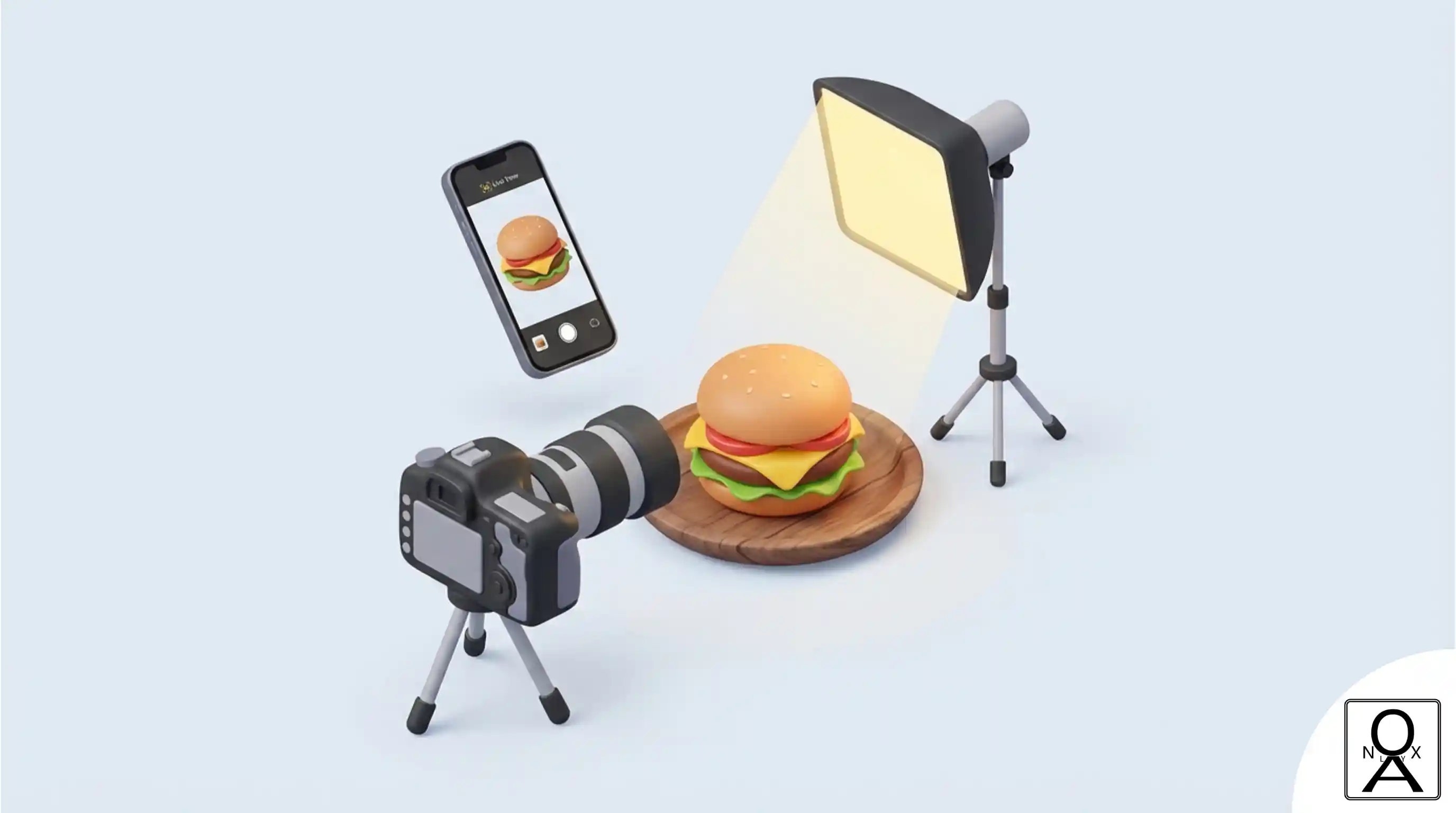
Your customer's appetite starts with their eyes. On a digital menu, a blurry photo is a missed sale, while a great photo can make them hit "Add to Cart" instantly.
The good news? You don't need an expensive photographer or a fancy studio. With just your smartphone and these 5 simple tricks, you can capture mouth-watering images that look professional.
1. Lighting is Everything
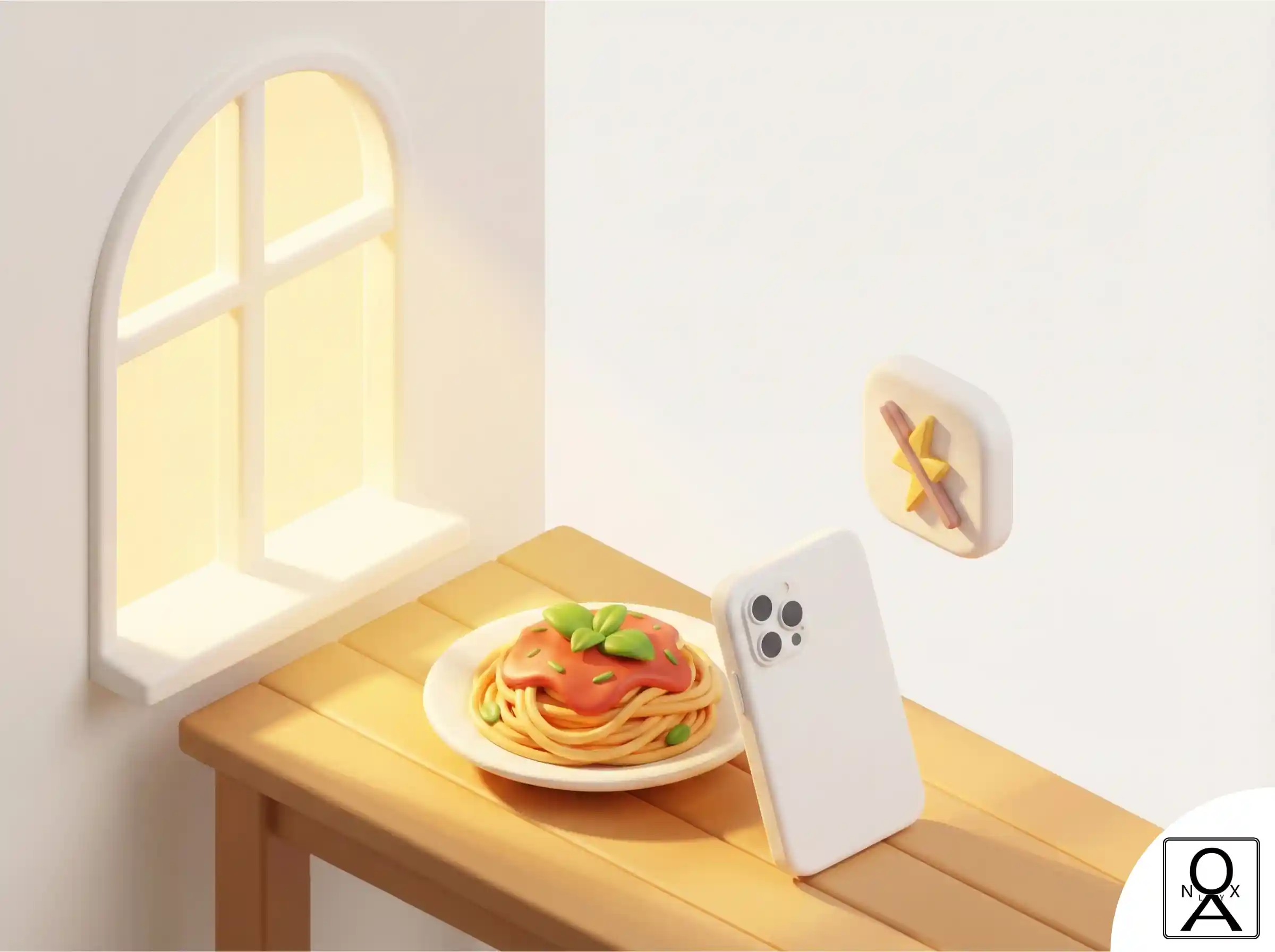
Turn Off the Kitchen Lights
Never use the built-in flash on your phone; it makes food look greasy and flat. Instead, move your plate next to a large window.
Natural daylight is the secret ingredient. It renders colors accurately and adds soft, appetizing shadows. Shoot during the day, preferably in the morning or late afternoon for the best results.
2. Find the "Hero" Angle
Not all food looks good from the same angle. You need to highlight the best features of the dish.
- Top-Down (Flat Lay): Best for pizzas, salad bowls, and thalis where you want to show all the ingredients spread out.
- 45-Degree Angle: Best for burgers, sandwiches, and drinks. It shows the height and layers of the food.
3. The Rule of Thirds
Don't Just Center It
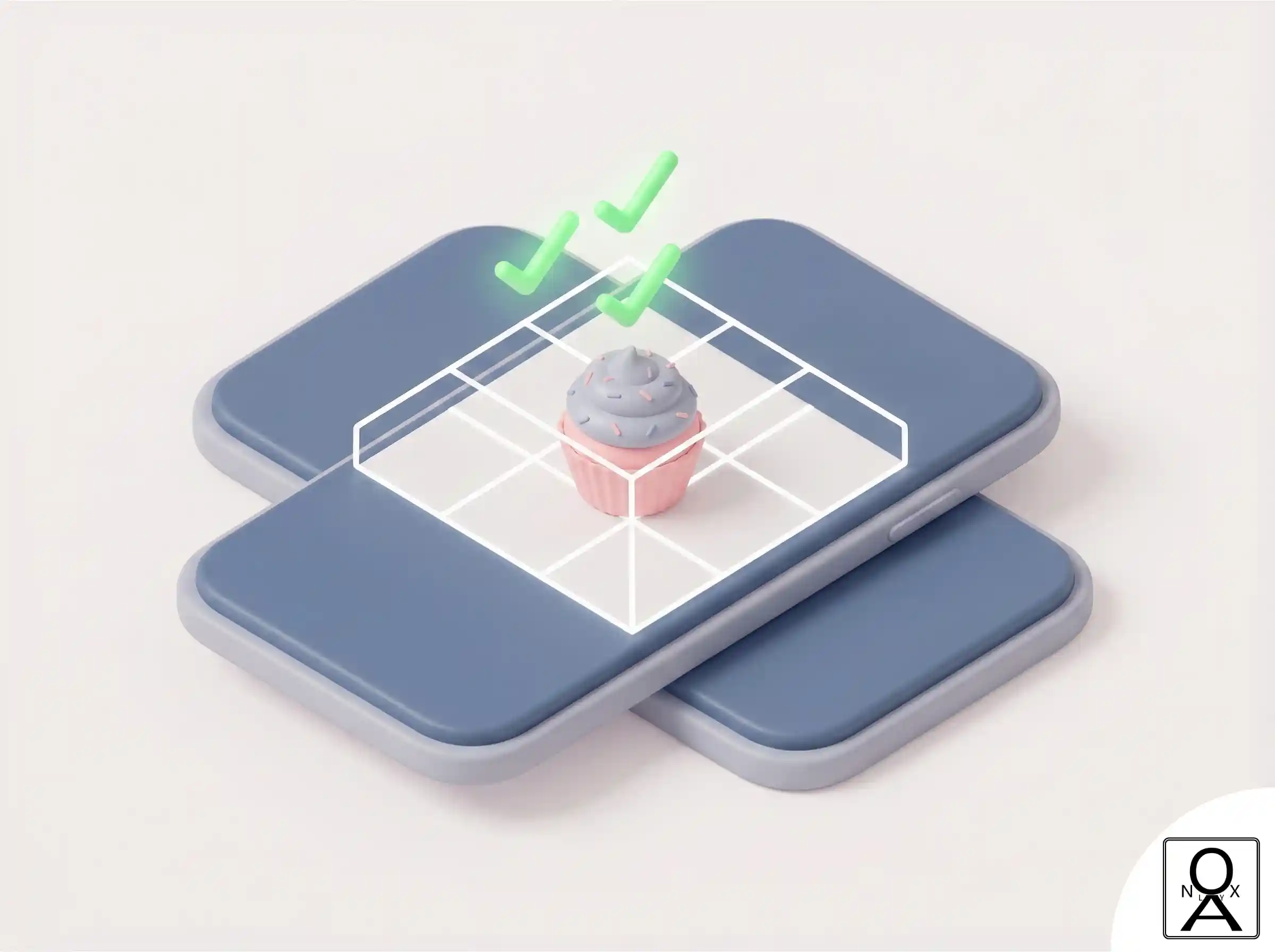
Turn on the "Grid" feature in your phone camera settings. Instead of placing the dish dead center, try aligning the main focus point (like the garnish or the patty) along the intersection of the grid lines.
This creates a more dynamic and professional-looking composition that draws the eye in.
4. Keep it Clean & Fresh
Add a touch of life to the shot. A sprinkle of fresh coriander, a few water droplets on a salad leaf, or steam rising from hot coffee makes the image feel "freshly made" rather than stale.
5. Edit, Don't Filter
Avoid heavy Instagram filters that change the color of the food (nobody wants blue chicken!). Use simple editing tools to slightly increase Brightness, Contrast, and Saturation. The goal is to make the food look true to life, just more vibrant.
Ready to Upload?
Once you have your photos, upload them to your Noxlay digital menu. Visual menus are proven to convert 3x higher than text-only lists.
.png)